
Managing your WHS Questionnaire in Site360 Admin Portal
Made by Support Site360 with Scribe
This guide walks you through completing and updating the Woolworths WHS questionnaire in the Site360 Admin Portal, ensuring your responses and declaration are submitted correctly. It also explains how to edit your answers later and flags that edits require a review. If you need help, it points to help resources and provides technical and compliance contact details.
Signing Into the Admin Portal
1. Sign into the Admin Portal: admin.site360.io
Navigating to the WHS Questionnaire
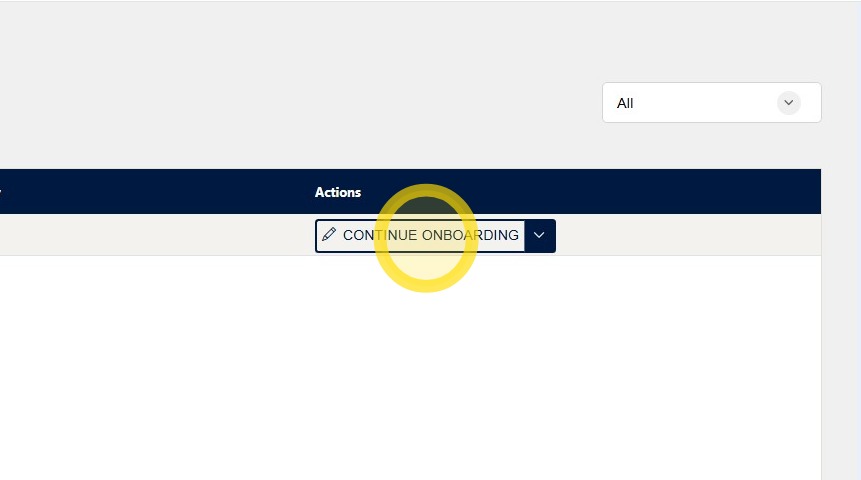
2. Once you have signed in, it will take you directly to the Relationships Tab. Click Continue Onboarding for Woolworths Group.
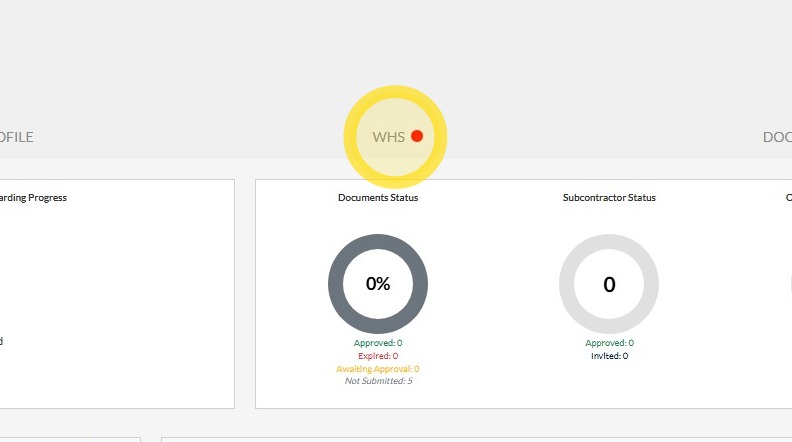
3. Click on WHS tab along the top of the screen.
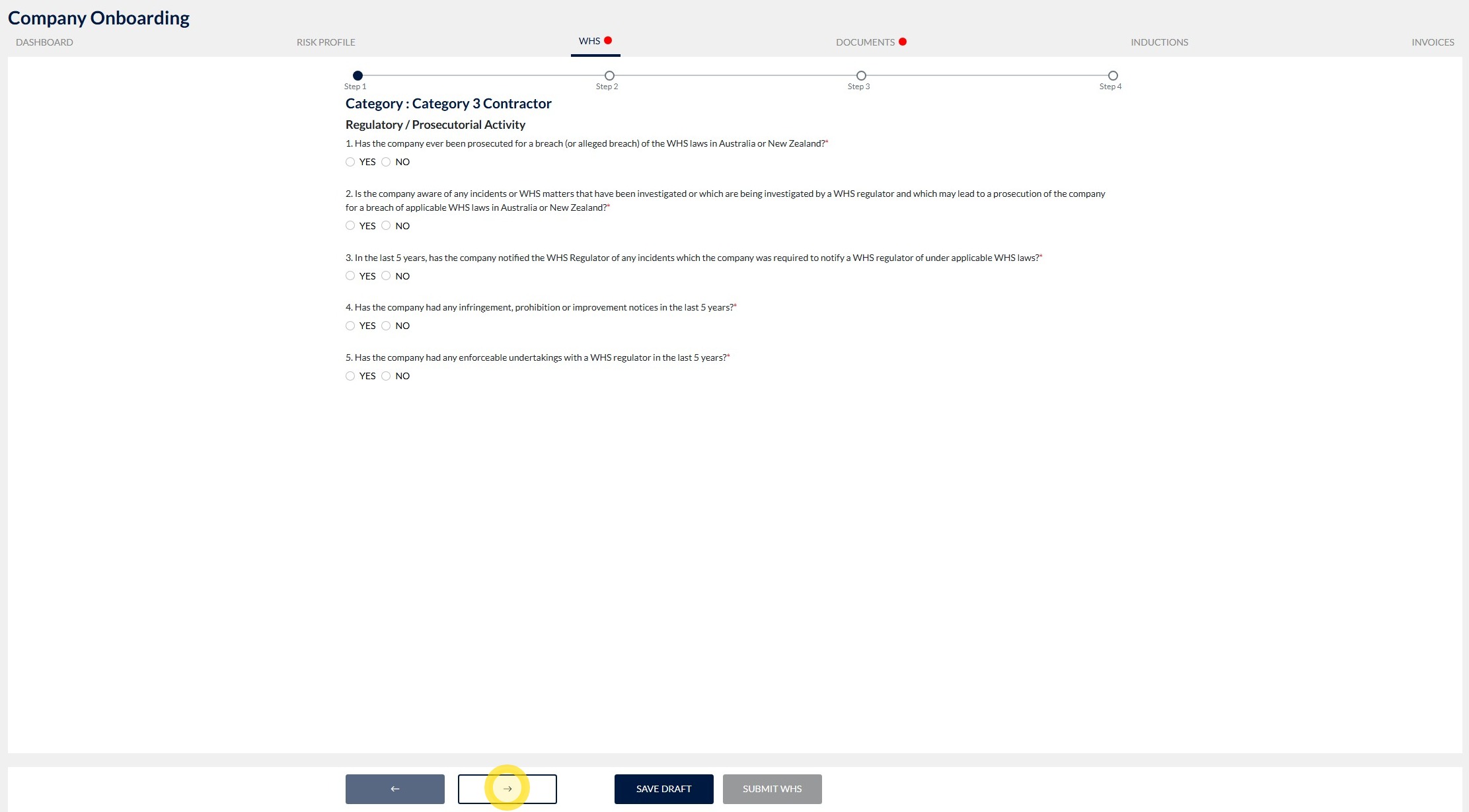
4. Answer the questions in each step by selecting Yes or No.
After answering the question, click the next arrow at the bottom of the screen to proceed to the next step.
Continue answering the questions and progressing through each page until you reach the final step of the process.
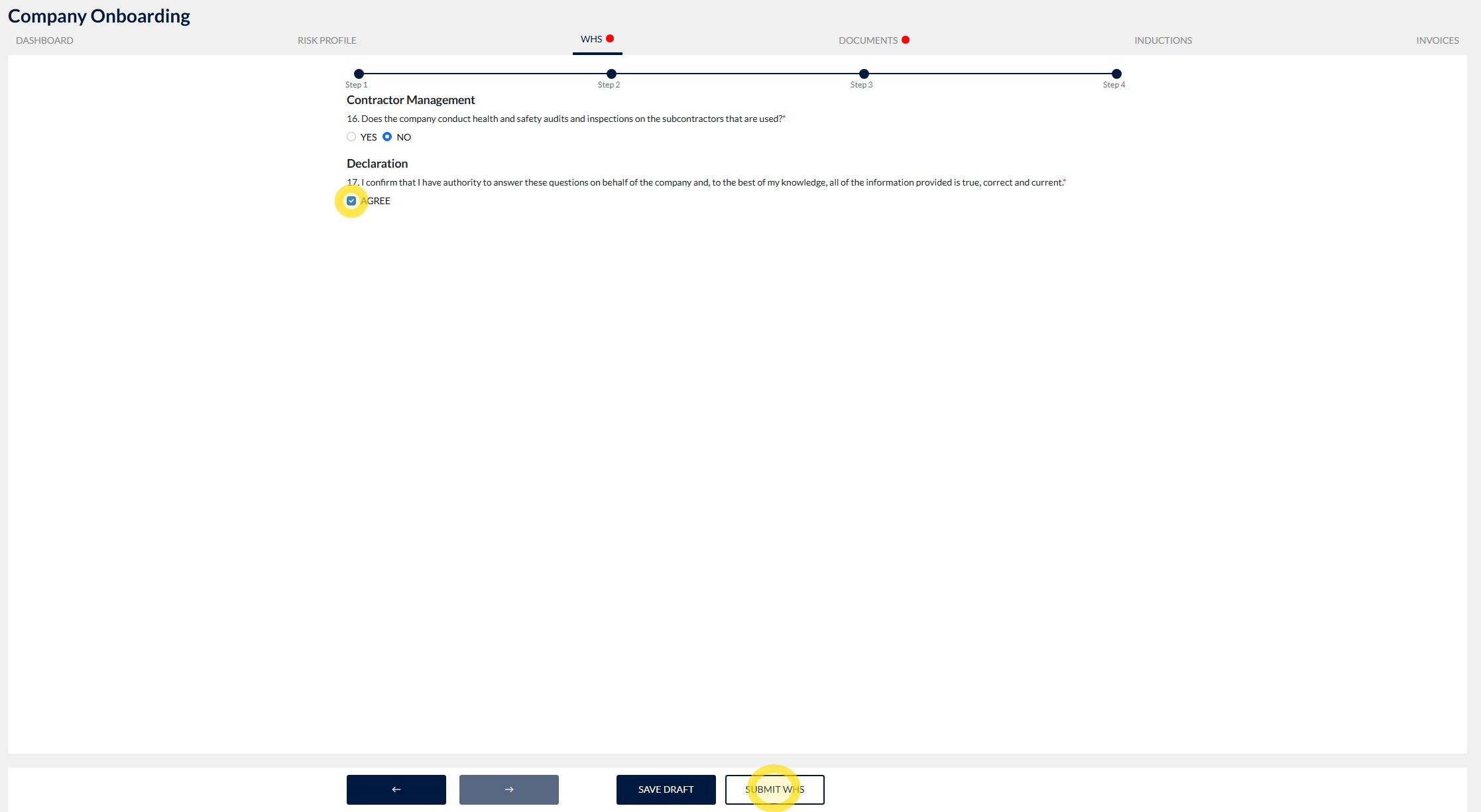
5. When you reach the final step, read the declaration and tick the box next to Agree to confirm your acceptance.
Once you have agreed to the declaration, click Submit WHS to complete and submit the WHS form.
Updating your WHS Questionnaire
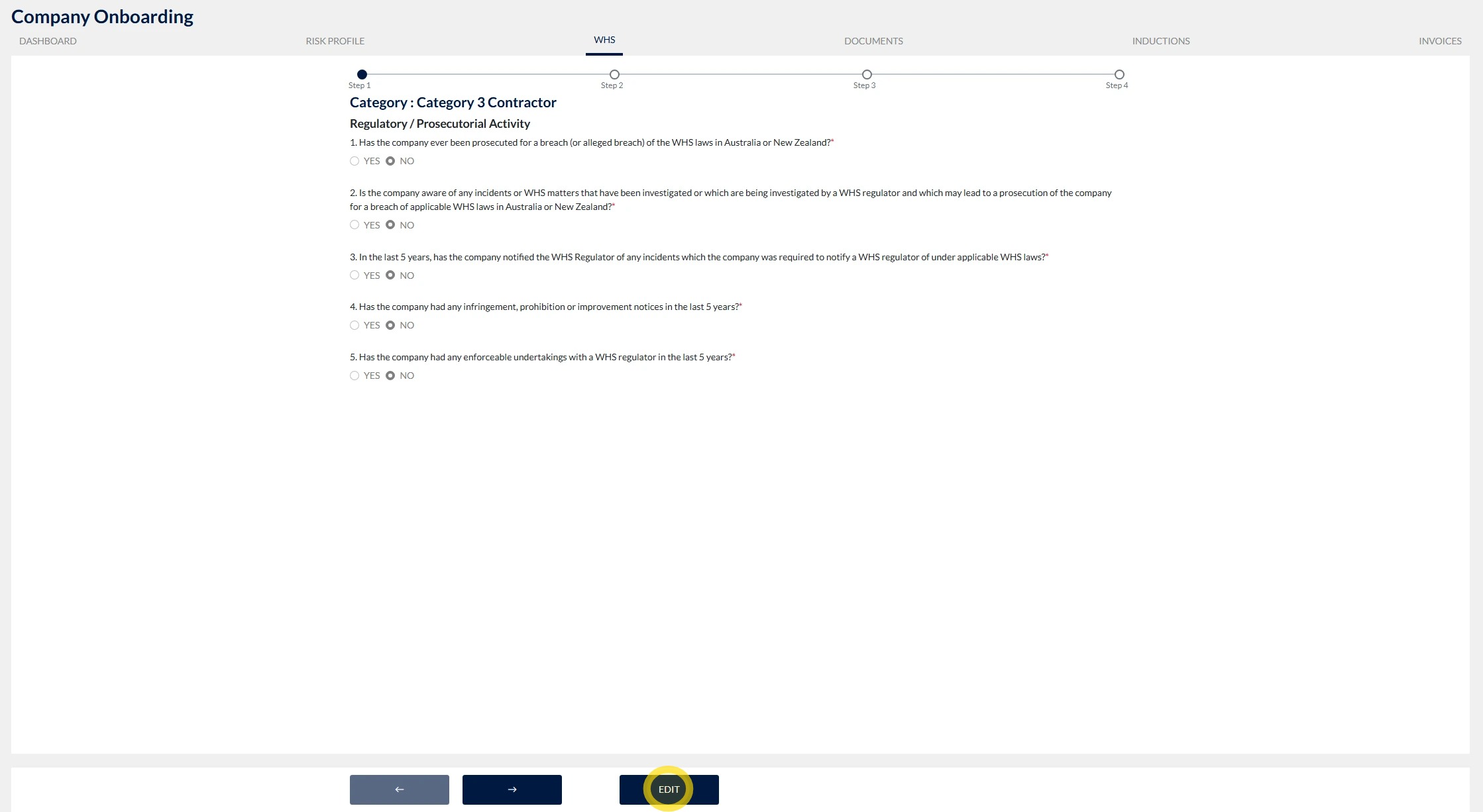
6. Follow Steps 1 and 2 to navigate to your WHS Questionnaire, then scroll to the bottom of the page and click Edit.
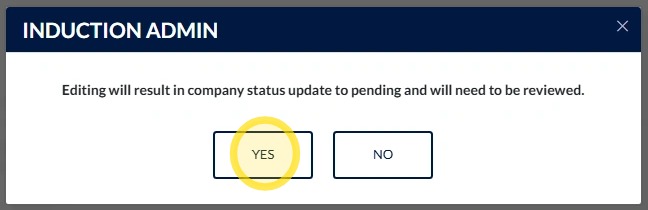
7. Click Yes to confirm that you would like to make changes to your WHS Questionnaire.
Please note: If you make any changes to your WHS Questionnaire, it will need to be reviewed again before it can be approved.
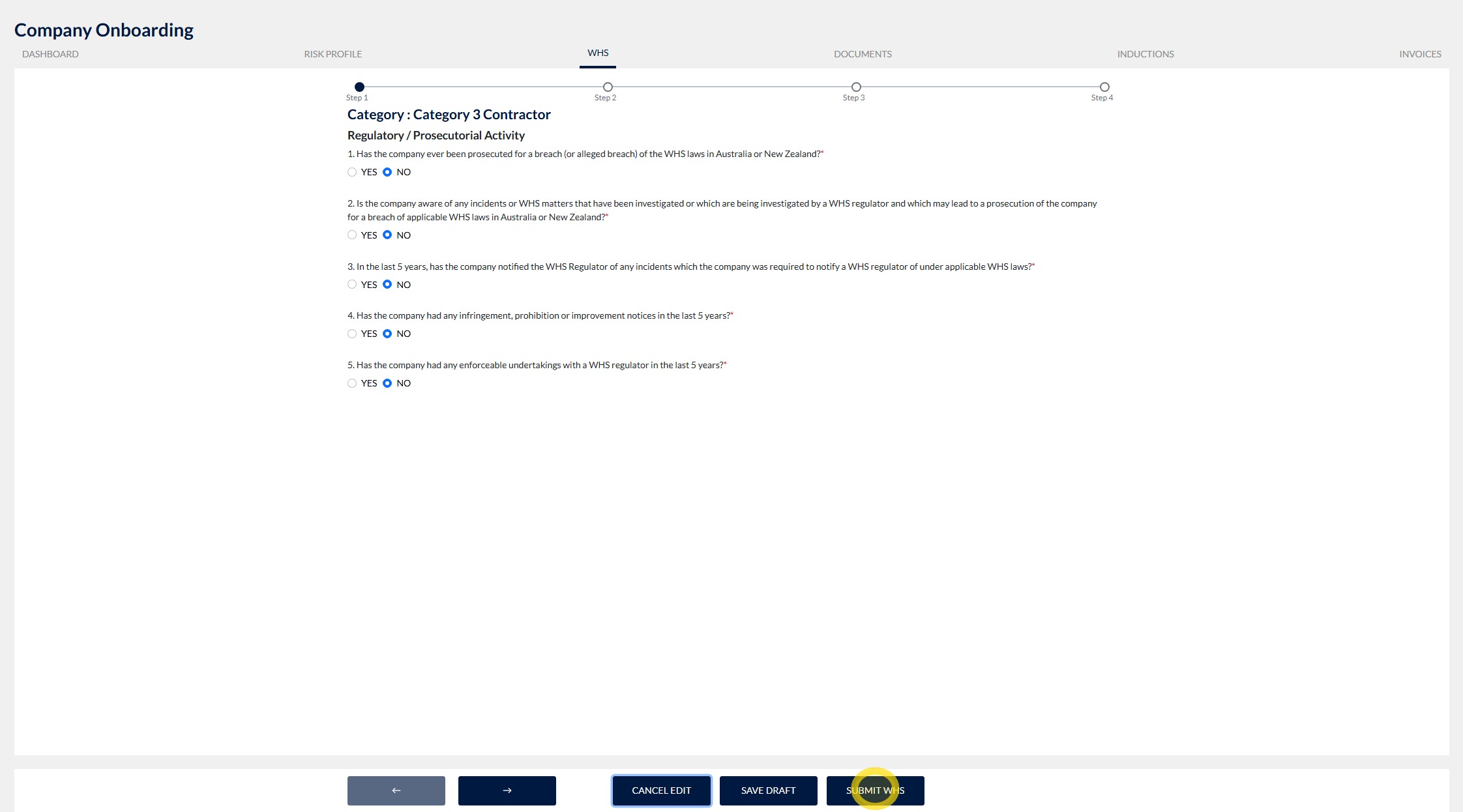
8. Make the required changes to your WHS Questionnaire, then click Submit WHS to submit the updated information for review.
Technical and Compliance Support
If you require help and guidance, you can find more helpful guides on the Help & Resources page found on the wowcontractor.com website, alternatively please contact the support or compliance team at Site360.
Phone - 1300 853 990
Email - support@site360.io or compliance@site360.io


