
Updating Your Company In the Woolworths Group Visitor App
Made by Support Site360 with Scribe
This guide shows how to quickly change the company listed on your Woolworths Group Visitor App profile and confirm the update. It walks you through editing your profile, removing the old company, adding or creating a new company, saving changes, and finalising with your PIN. It also points to Help & Resources and Site360 support contacts if you need assistance.
Updating Your Company
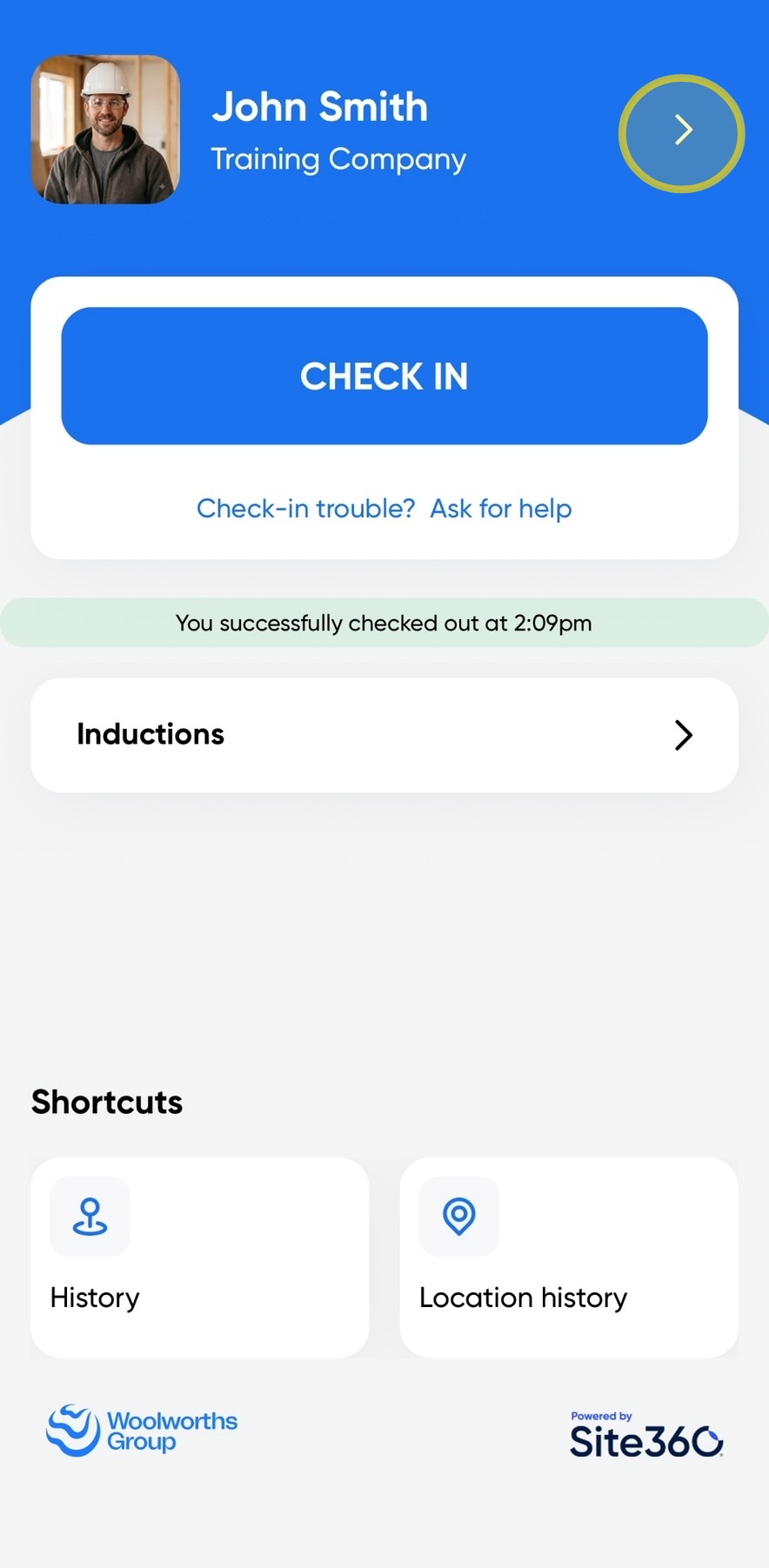
1. Click the arrow in the top-right corner of the screen to access your profile.
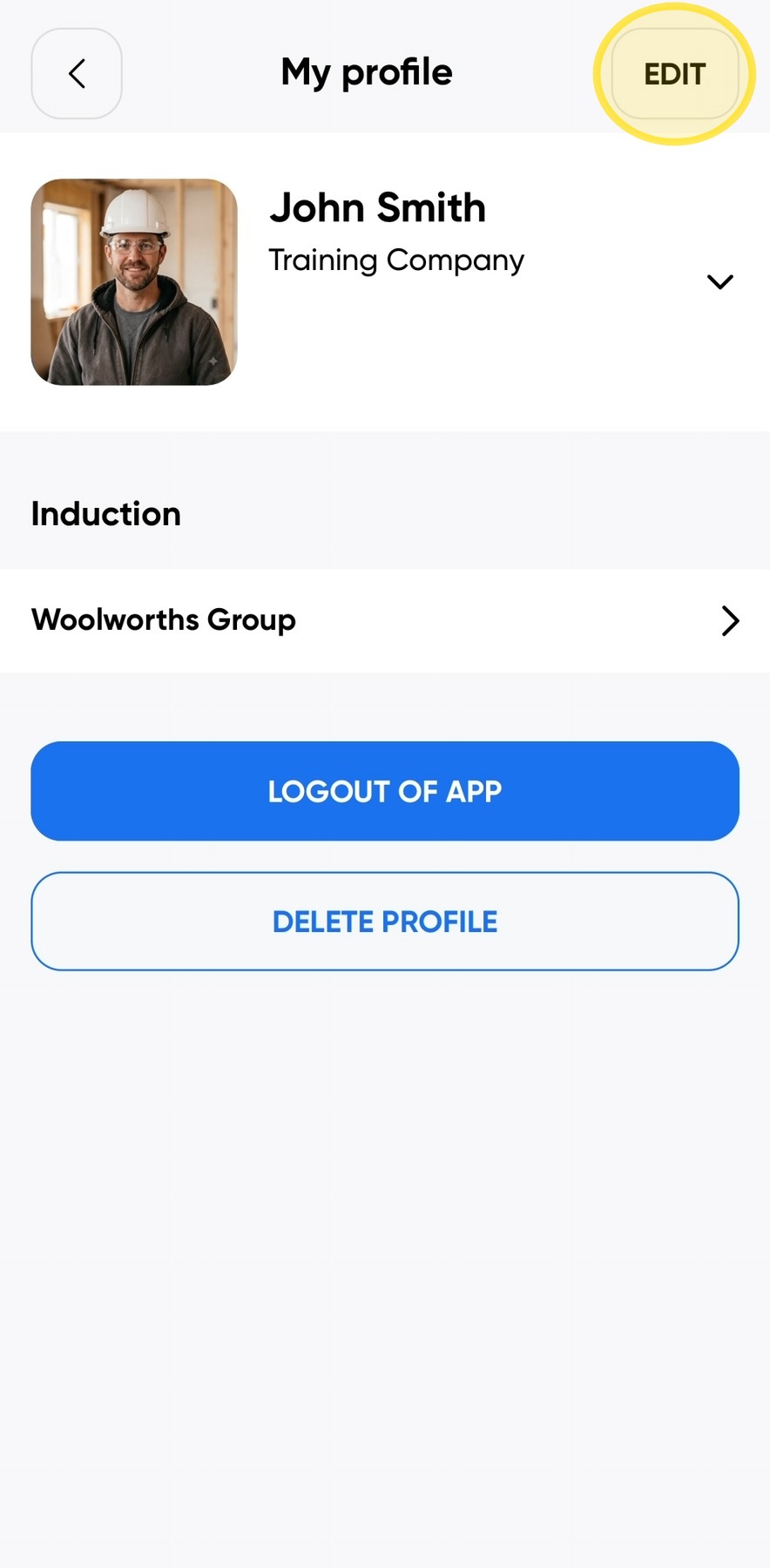
2. Click Edit in the top-right corner of the screen to update your profile information.
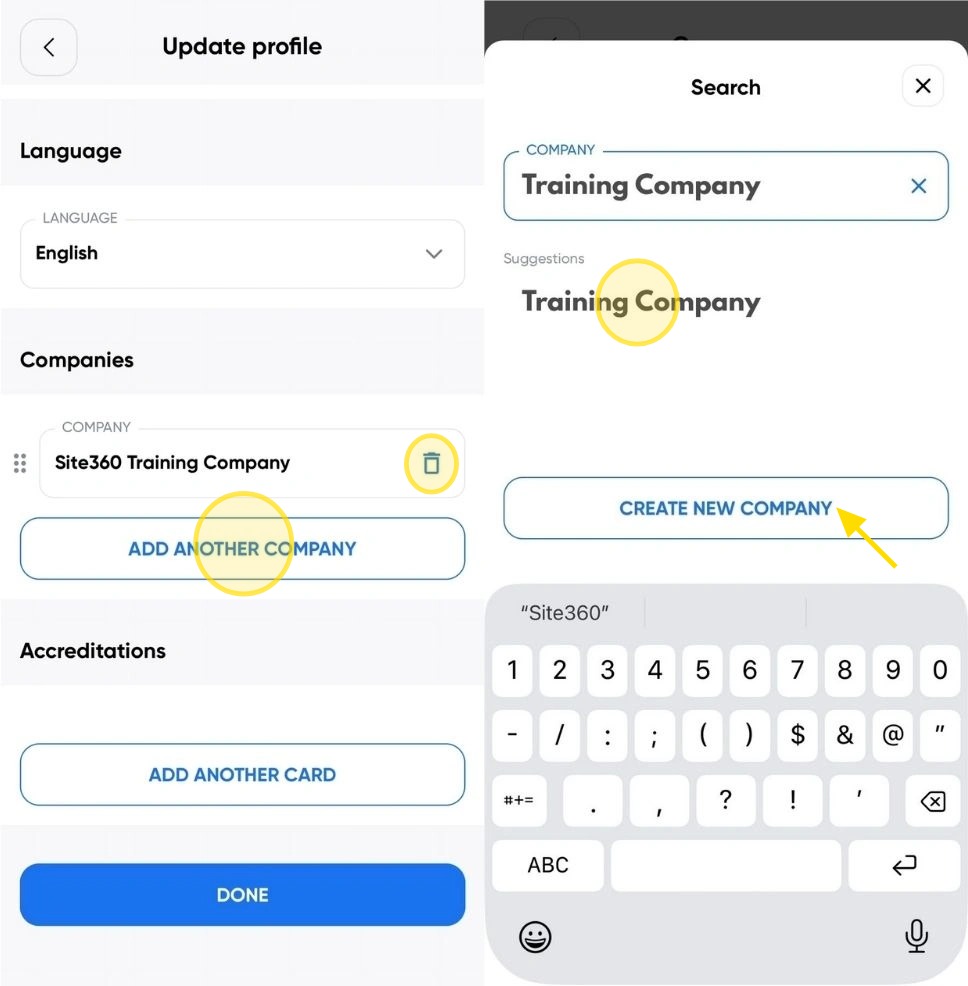
3. Scroll to the bottom of the page, then click the Bin icon to remove the current company.
Click Add Another Company, then click Company and enter your company name. If your company appears in the list, select it. If your company does not appear in the list, click Create New Company.
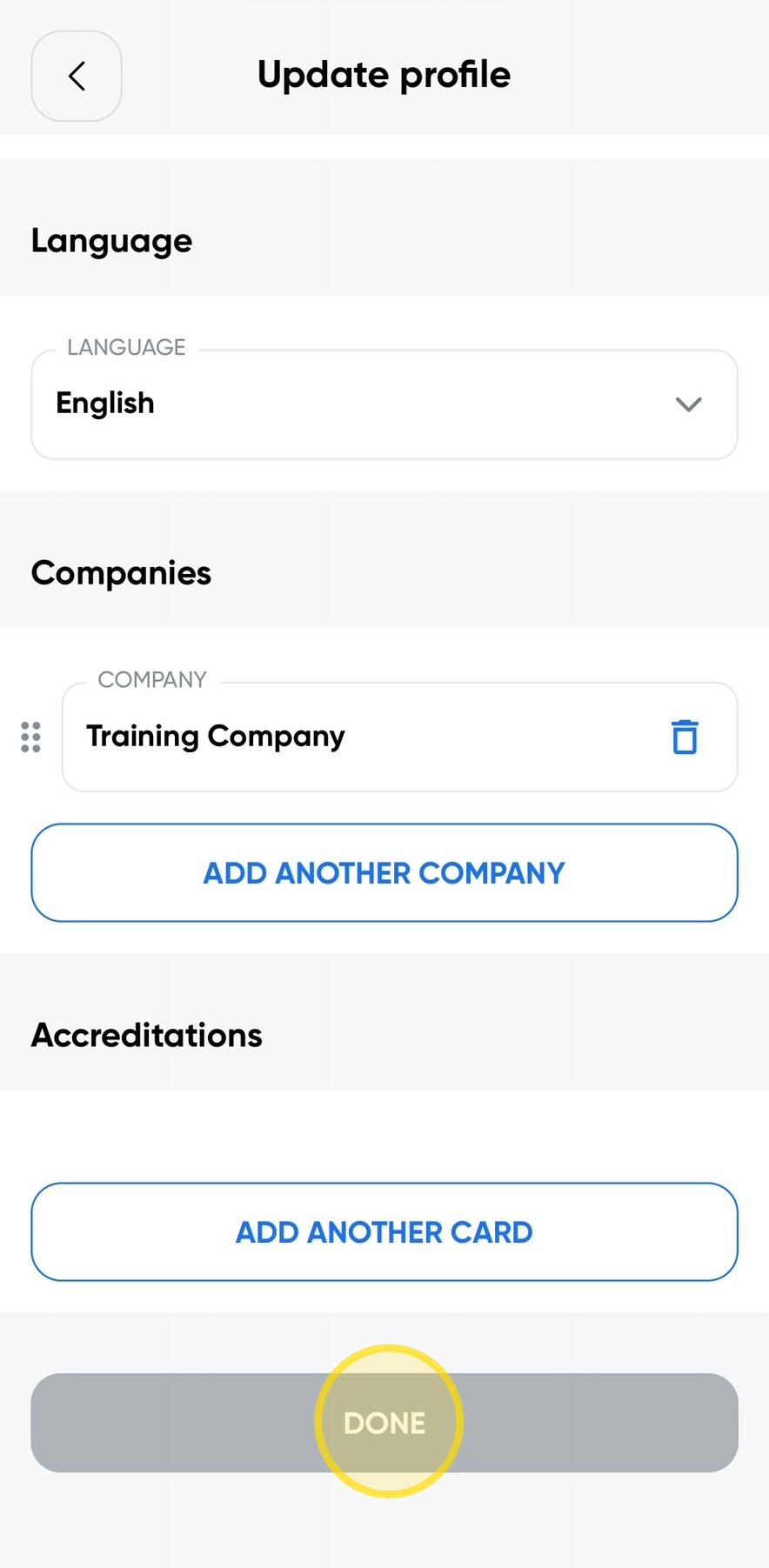
4. Scroll to the bottom of the page and click Done to save your changes and update your profile.
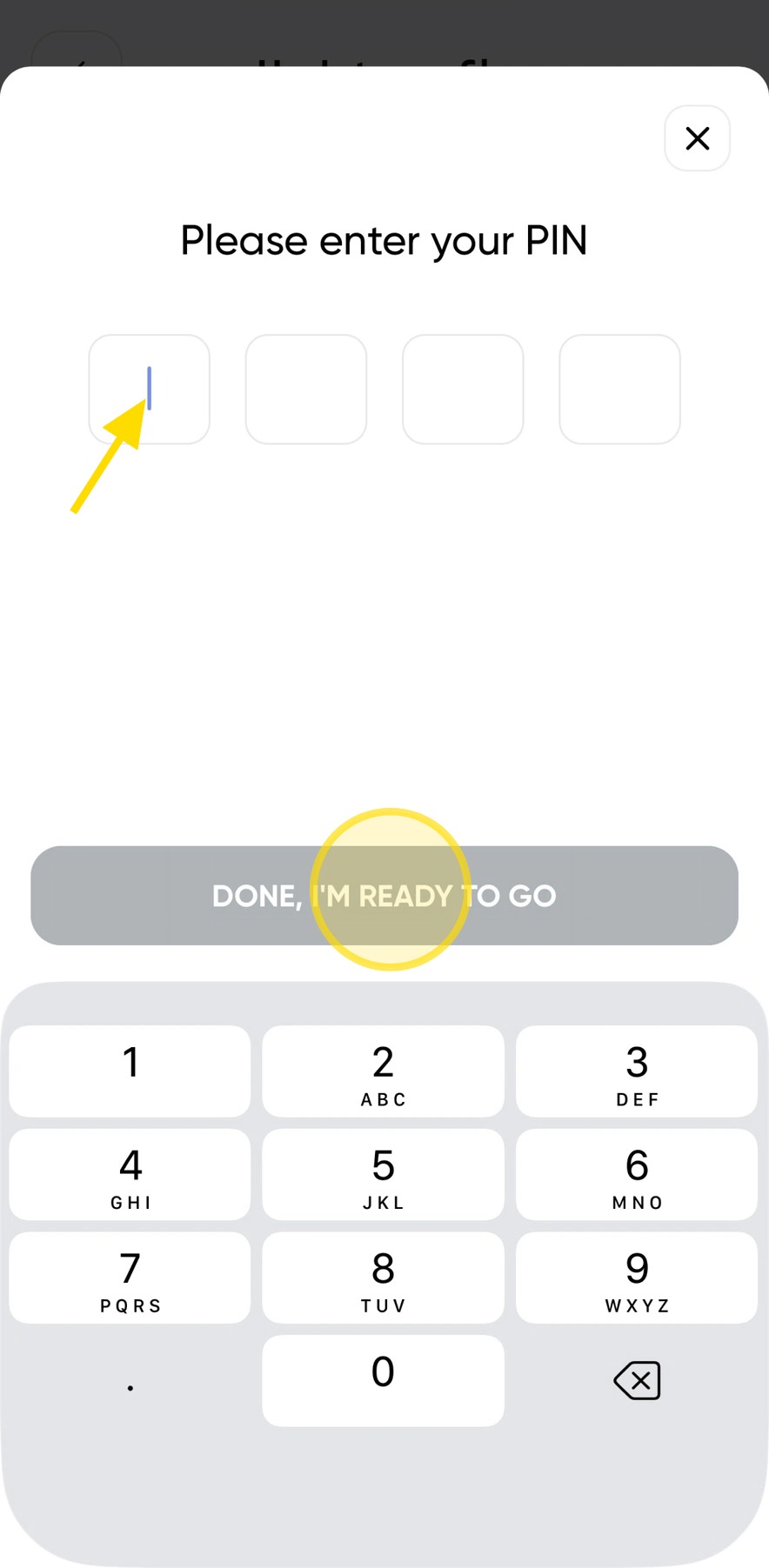
5. Enter your PIN, then click Done, I'm Ready To Go to confirm your changes.
Your profile will then be updated with your new company.
Woolworths Group Visitor App

Technical Support
If you require help and guidance, you can find more helpful guides on the Help & Resources page found on the wowcontractor.com website, alternatively please contact the Support team at Site360.
Phone - AUS 1300 853 990 | NZ 0800 115 710
Email - support@site360.io


