
Woolworths Group Visitor App
Woolworths Group is committed to maintaining a safe and secure environment for our team members, visitors and contractors. As part of this commitment, we ask all visitors, suppliers and contractors to sign in and out using our digital Visitor Management App.
Creating an App Profile
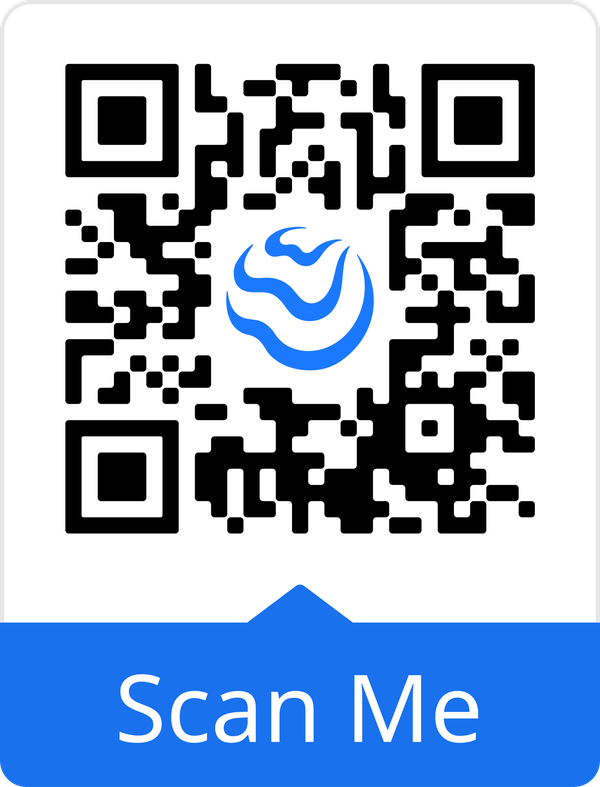
1. Download the free Woolworths Group Visitor App.
2. Open the app, select your preferred language, and click Accept & Continue. Review the Data Promise, then click Accept & Continue again.
3. Follow the prompts to set up your profile by entering your details, including your name, phone number, email address, and company.
You will also be asked to upload a profile photo and any relevant licences or accreditations. Finally, create a secure 4-digit PIN to protect your account.
4. Once your profile has been successfully set up, click Let's Get Started and you're ready to check into site.
How to Check In
1. Click Check In from the main screen. A list of nearby Woolworths Group locations will be displayed.
Select the site you're visiting and click Check In.
2. Each site has a Condition of Entry that you must read. Once you have reviewed the information, click Continue.
3. You may also be presented with site-specific information or safety notices. Please read each screen carefully and click Accept & Continue.
4. Select the Reason for your visit and the site Contact, then click Continue.
5. Go to the service counter and present your phone to a team member. They will provide you with a dated visitor sticker.
Please attach the sticker to your clothing where it is clearly visible, then click Accept & Continue to complete the check-in process.
6. Any current site notifications or alerts will be displayed on your screen. Please review this information carefully, then click Acknowledge to continue.
How to Check Out
1. When you're ready to leave the site, open the app and tap Check Out on the home screen.
2. Tap Yes to confirm. Once confirmed, you will be successfully checked out of the site.
3. Before leaving, please dispose of your visitor sticker in one of the bins located at the front of the site.
Please note: if an EWAF was required for your visit, ensure it has been completed before checking out of the site.
Technical and Compliance Support
If you require help and guidance, you can find more helpful guides on the Help & Resources page found on the wowcontractor.com website, alternatively please contact the support or compliance team at Site360.
Phone - 1300 853 990
Email - support@site360.io or compliance@site360.io


